Getting Started
Introduction
Our APIs are designed to help you build applications that integrate with Bloomeo’s services. This guide will walk you through the process of getting started with our APIs, from setting up your account to making your first API call.
Prerequisites
Before you can start using our APIs, you’ll need to create an account and contact your account manager to get your account created.
Note
Currently, only personal tokens are available to interact with our APIs, and they have a validity period of one hour.
Getting Started
- Obtain Your Personal Token
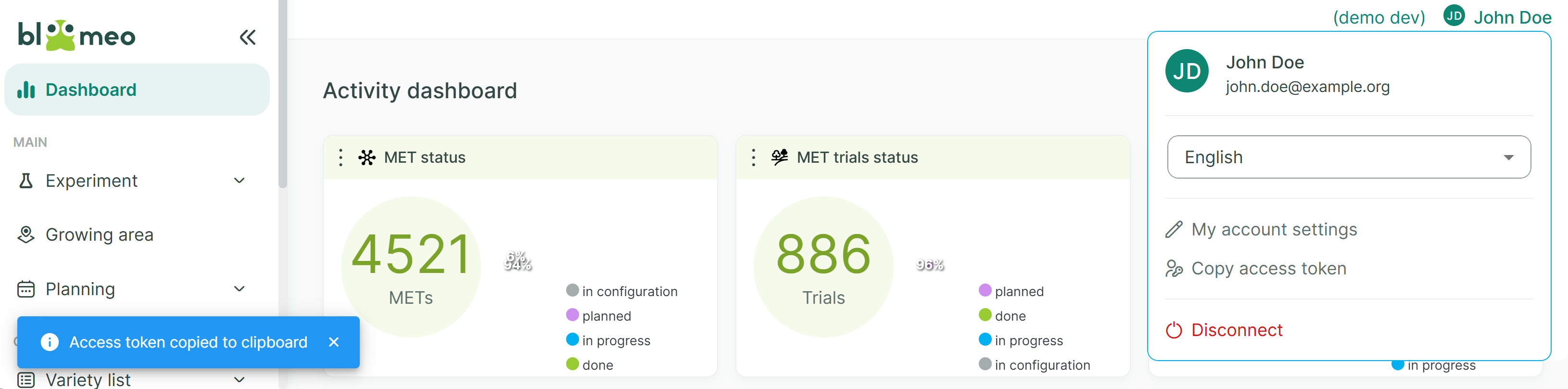
- Log in to the Bloomeo web application.
- Click on your profile (top right).
- Click 5 times on your initials to active the “expert mode” and to reveal the “Copy access token” button.

- Click on “Copy access token”. The token will be copied to your clipboard.
- Make Your First API Call
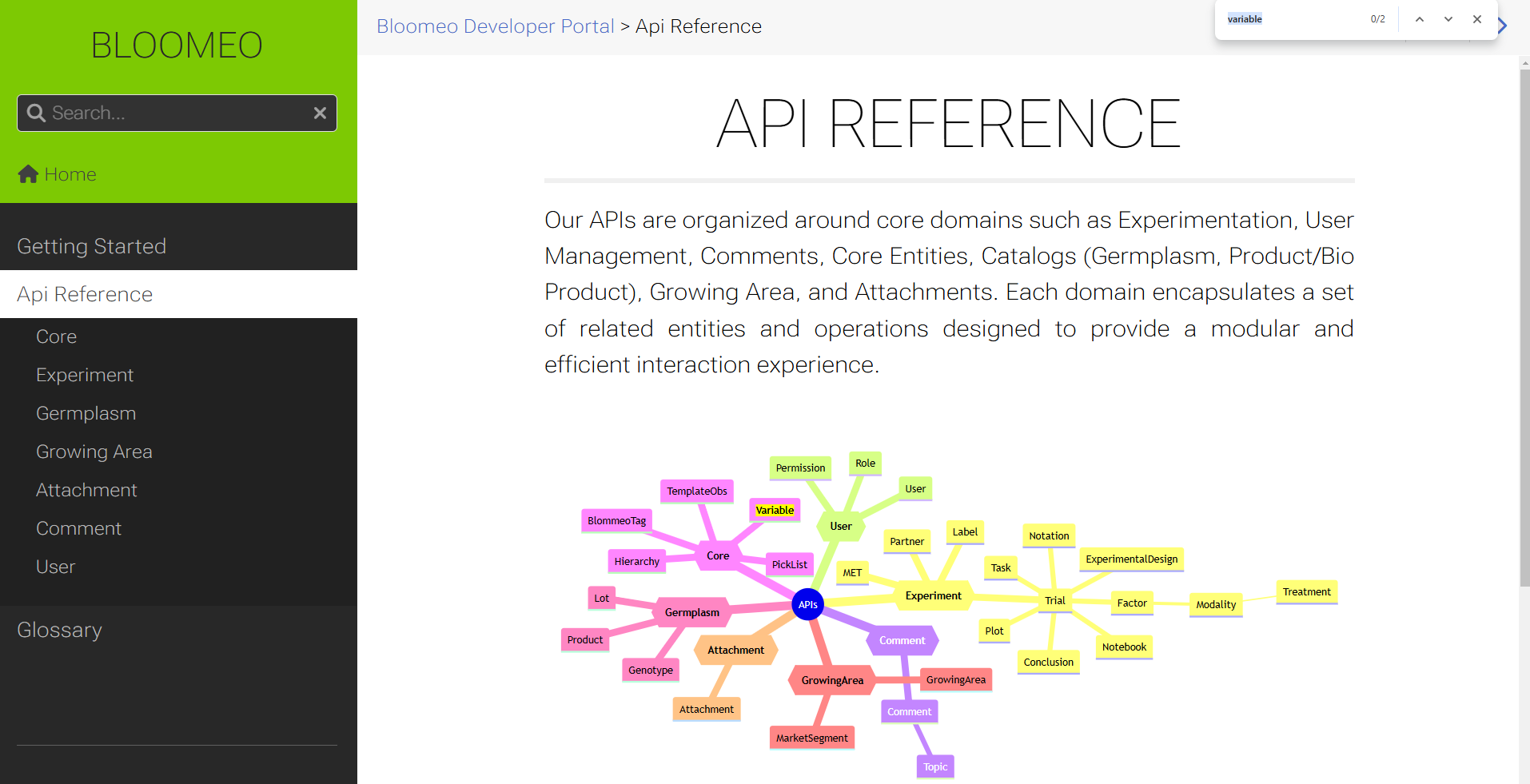
- Refer to the API Reference and select the API you want to interact with.
Quick search
Do not hesitate to search for the term you are looking for using your browser search feature (Ctrl + F) to find quickly, in the mind map, the domain holding the API you are looking for.
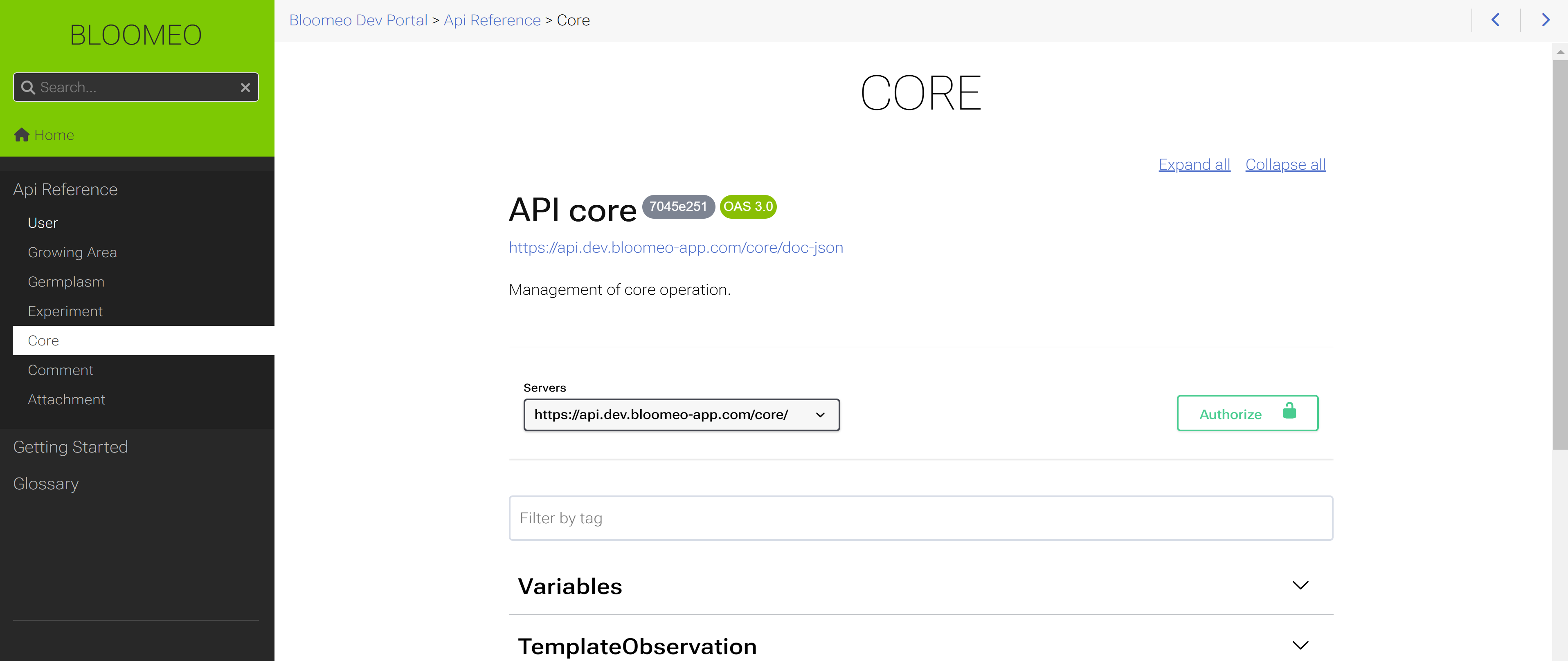
- On the specific API page, click on the “Authorize” button.
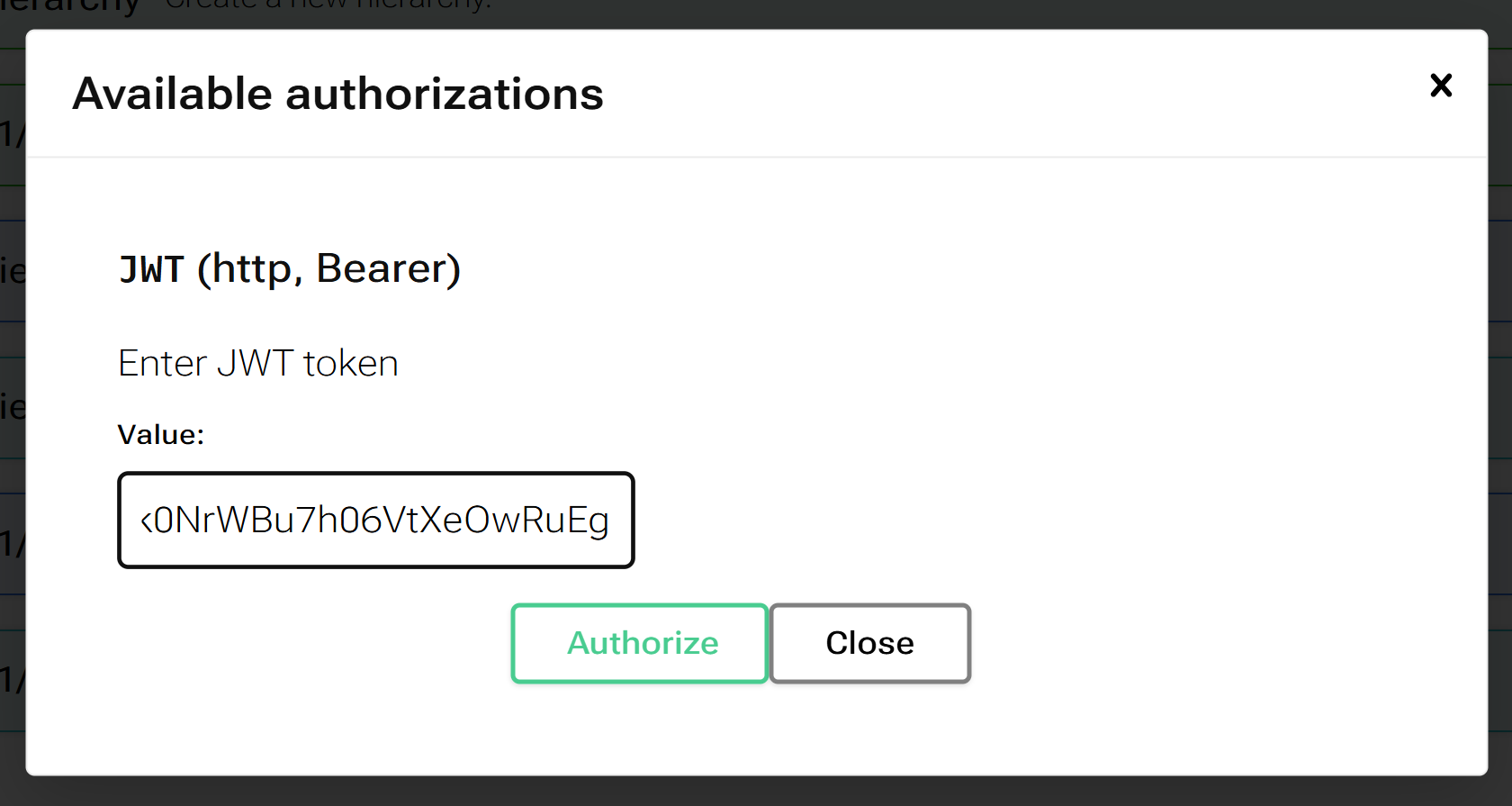
- Paste your token into the displayed modal and click “Authorize”.
- Click on the “Try it out” button.
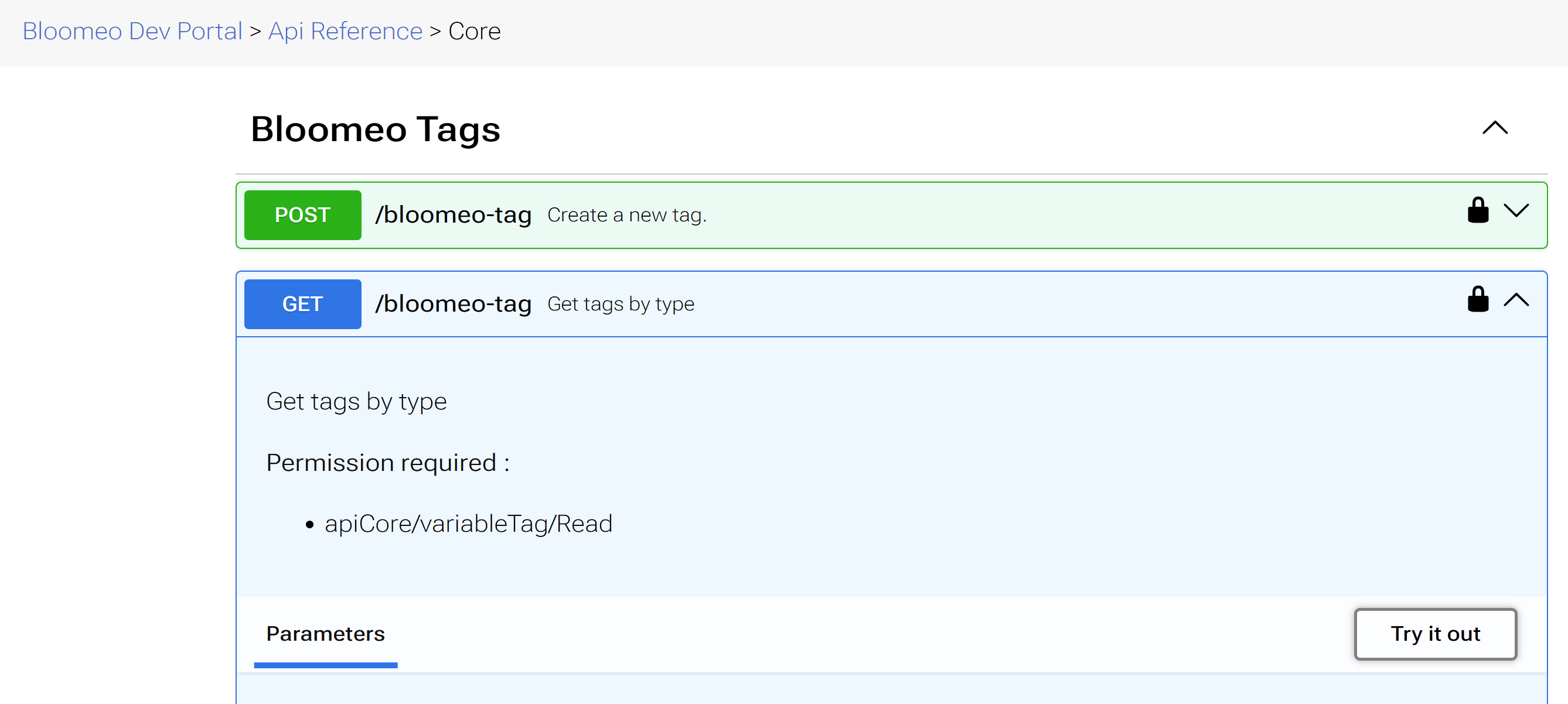
- Execute the API call by clicking on “Execute”.

- Refer to the API Reference and select the API you want to interact with.
Next Steps
- Set the core entities in Bloomeo. Refer to the Core Entities section.
- Start managing your common entities:
- Plan your first experiment. Refer to the Experimentation section.